

Instaflow
Available on the Subchain Launcher
Plan, transform, and schedule Instagram content.
Bring your media and captions into one workspace, prepare each post, and schedule what comes next.
Get via Subchain Launcher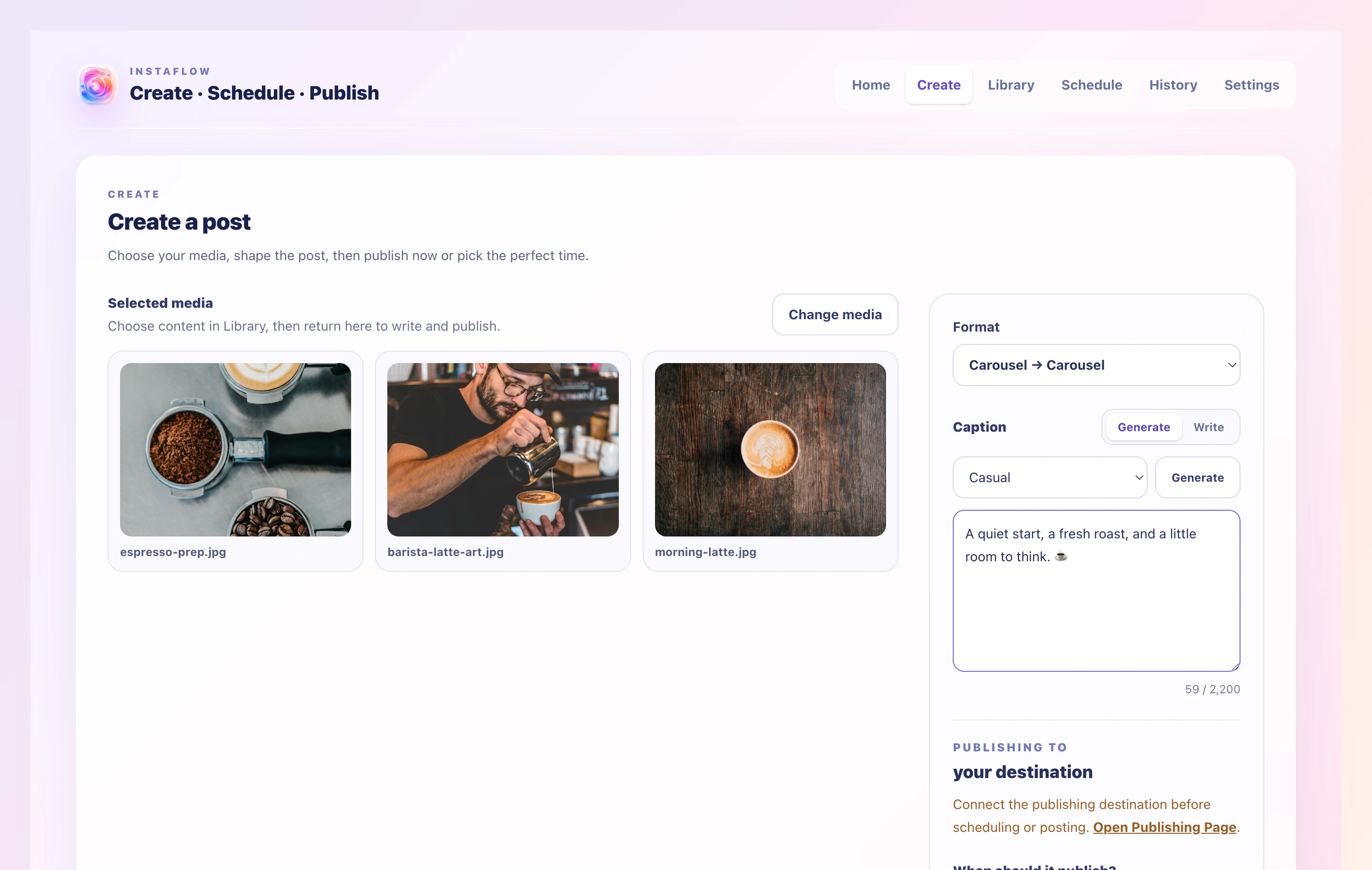
ONE WORKSPACE
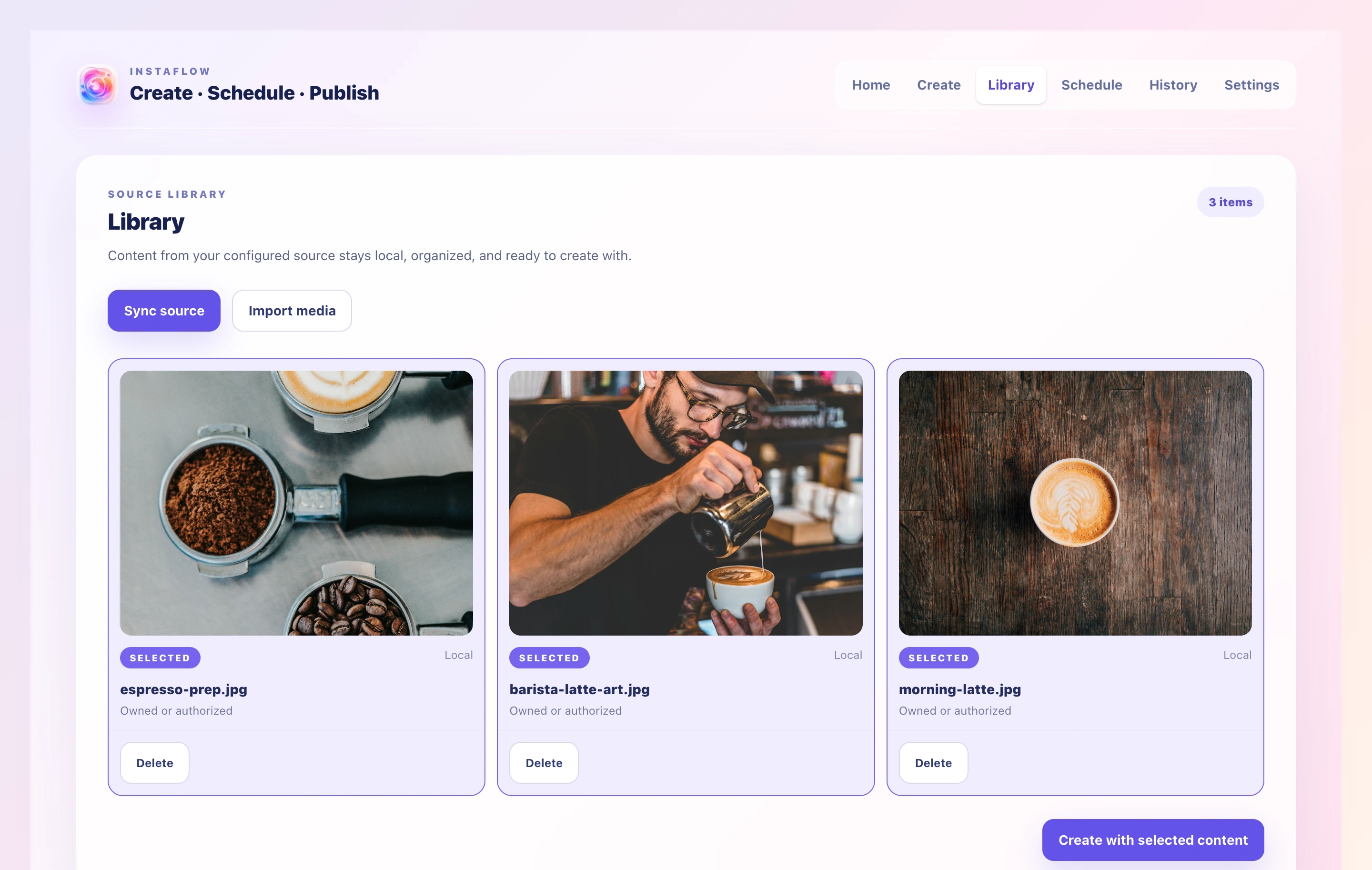
Keep media ready in the Library.
Review locally stored media and select the items you want to bring into your next post.
SCHEDULE AHEAD
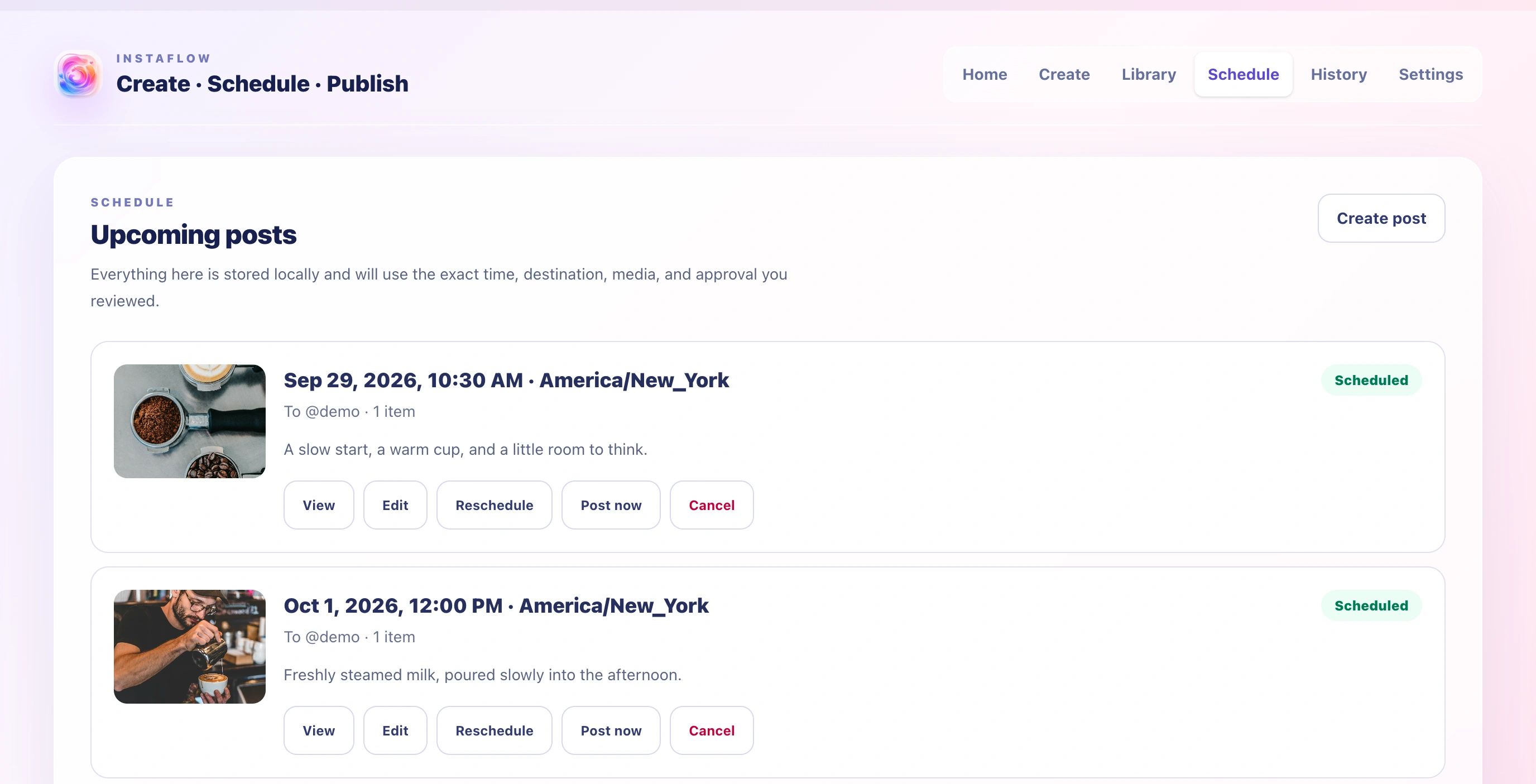
Review scheduled posts and timing.
See each prepared post’s selected media, destination label, caption, and planned time in one view.
TRANSFORM CONTENT
Prepare each post for what comes next.
Transform media and supporting content within the workflow before scheduling or publishing.
How it fits together
A focused workflow, step by step.
- 01Organize
Bring your media and captions into one workspace.
- 02Transform
Prepare each post and its supporting content.
- 03Schedule
Choose the right time for upcoming posts.
- 04Publish
Move your content through one clear publishing flow.
Instaflow